How to Get the Disposable Camera Effect Online (No App)
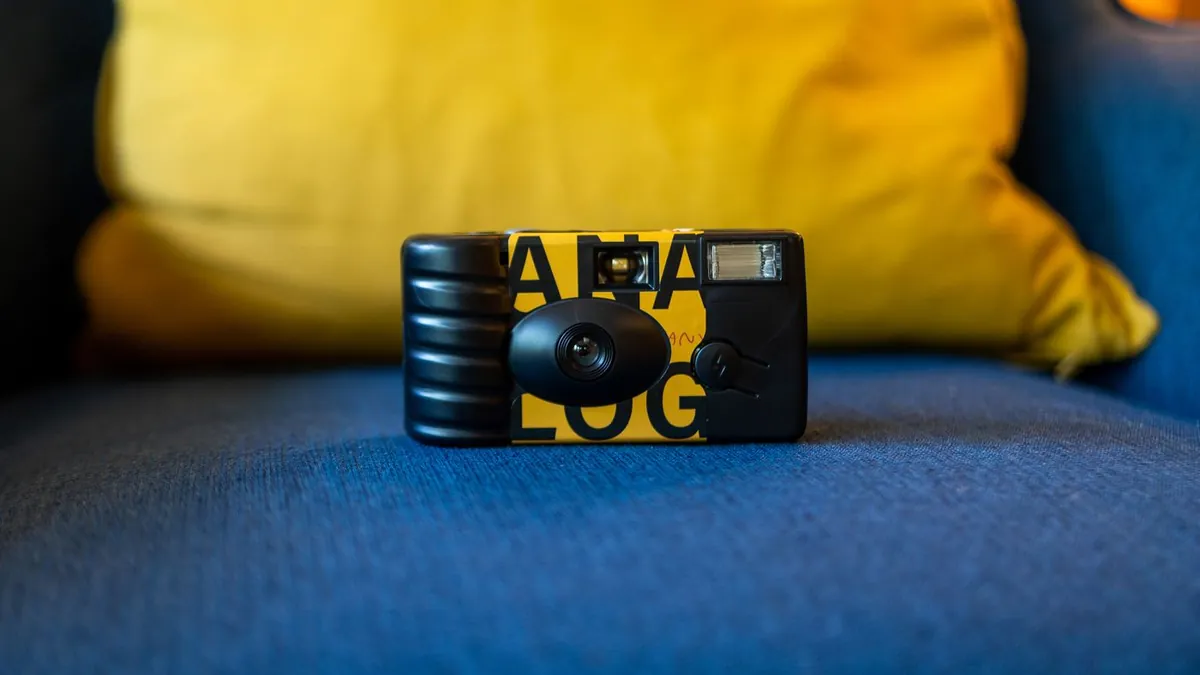
Some web editors and AI photo tools run in a browser with no install — you upload a photo, apply a disposable-camera preset, and download the result. They're convenient but usually cap resolution, add a watermark, or queue longer than a native app.
Browser options
General web photo editors offer film/disposable presets (grain + colour + vignette), and some AI relighting tools run in-browser. The look is decent but the relight quality and the background falloff are usually weaker than an app that's tuned for this one effect.
Trade-offs of the no-app route
- Often a visible watermark unless you pay
- Downscaled output (1080px or less)
- Slower during busy periods
- You're uploading your photo to a site — check its retention policy
When an app is worth it
If you'll do this more than once or twice, a dedicated app like Flash Effect gives full-resolution, watermark-free results and a Distinctive style purpose-built for the disposable look. More: the full disposable-camera look.
Related
Free app options · the aesthetic explained.
Are online photo tools safe to upload to?
Reputable ones are, but always check whether they delete uploads after processing and whether they claim any license to use your images. Avoid unknown sites for photos of other people.