How to Make a Photo Look Like a Disposable Camera
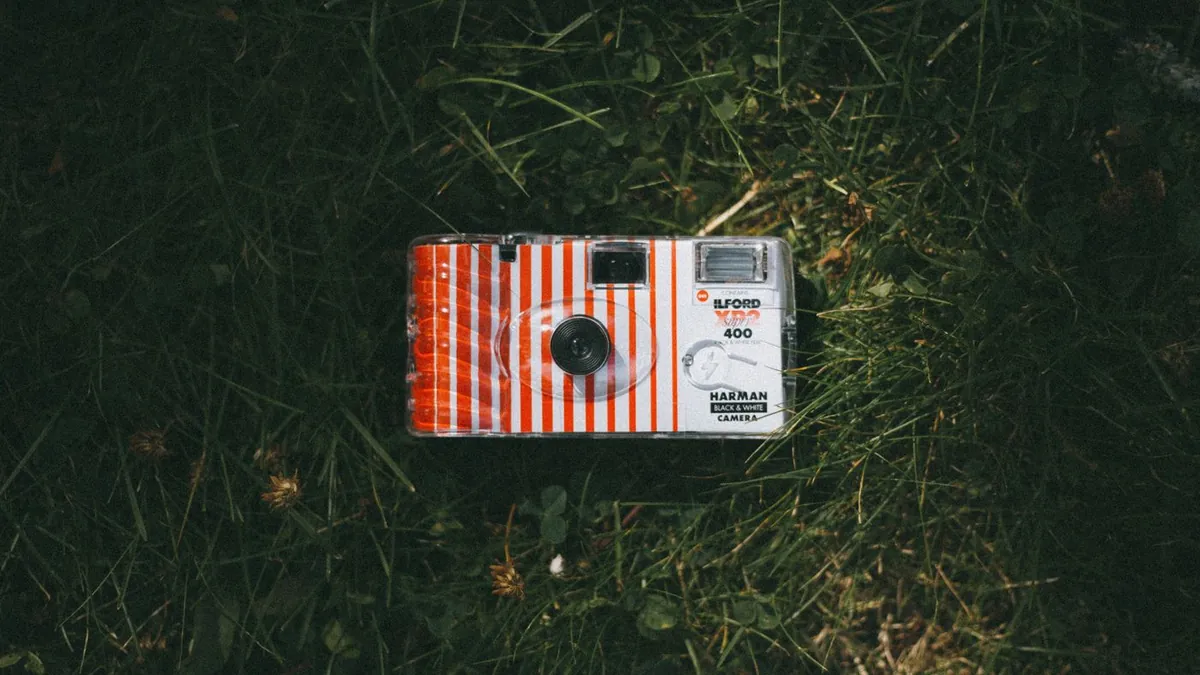
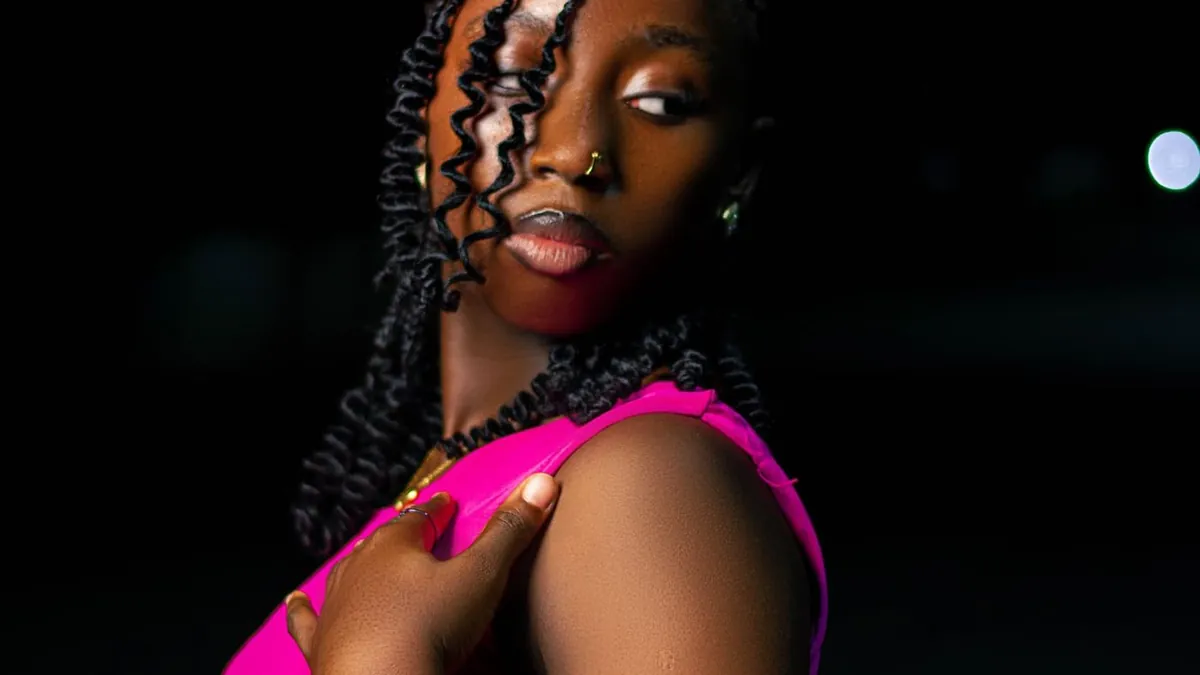
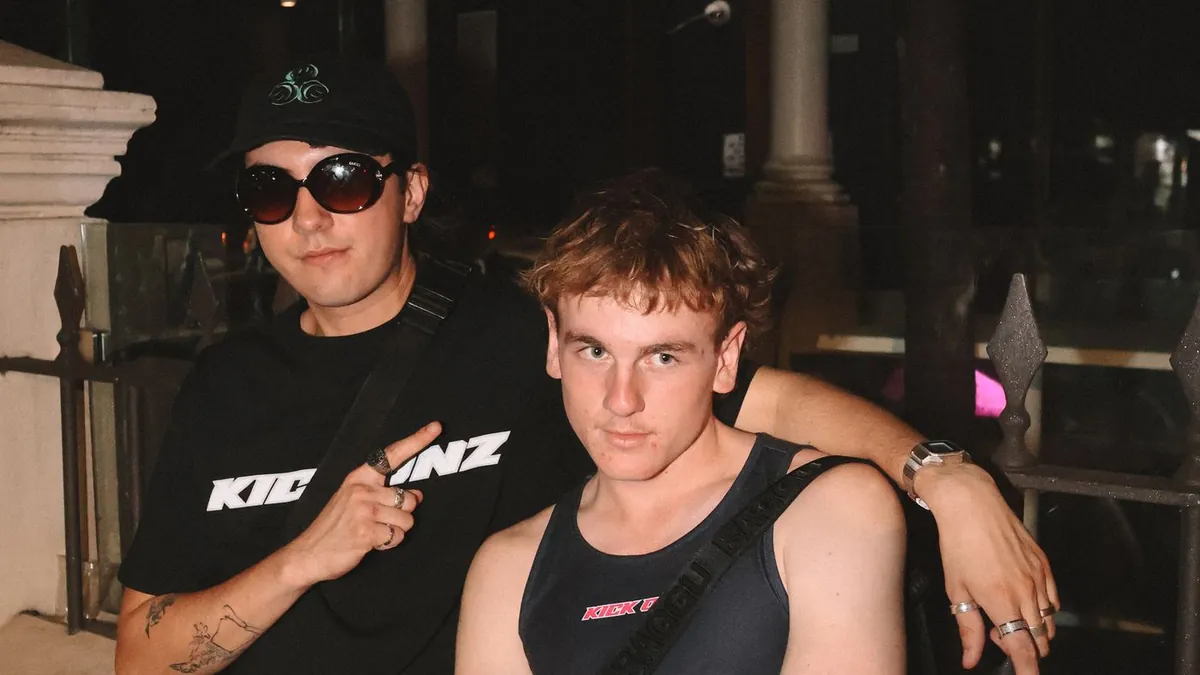
Add a hard frontal flash highlight, heavy film grain, slightly soft focus, blown-out whites, and a warm-then-green colour shift. A disposable-camera preset in an AI tool applies all of these at once; doing it by hand means stacking grain, curves, and blur adjustments in an editor.
The ingredients
- Harsh on-camera flash — bright subject, dark corners
- Coarse, visible grain
- Slightly soft, imperfect focus
- Clipped highlights (pure white with no detail)
- A colour cast — often warm in the middle, greenish in the shadows
- Optional orange date stamp in the corner
Why all of this happens is covered in the disposable-camera aesthetic, explained.
The one-tap version
Flash Effect's Distinctive style is built specifically for this — harsh frontal flash, specular highlights, strong catchlights, and a background that drops into underexposed darkness. Sun Vignette is a softer, warmer film-snapshot variant.
The manual version
In an editor: raise contrast and exposure on the subject, crush the background shadows, add a green split-tone to the shadows, layer in 20–40% grain, add a touch of Gaussian blur, then clip the highlights. It's fiddly, and the flash falloff is the hardest part to fake — an AI relight handles that automatically.
Start from the right photo
A sharp, front-lit photo of one or two people converts best. See what photo to use and turning a normal photo into a disposable-camera photo.
Why are disposable cameras trending again?
The imperfect, un-retouched look reads as honest and nostalgic against a feed of polished photos. More in our post on why disposable cameras are trending again.