How to Make Photos Look Like a Digital Camera (Digicam)
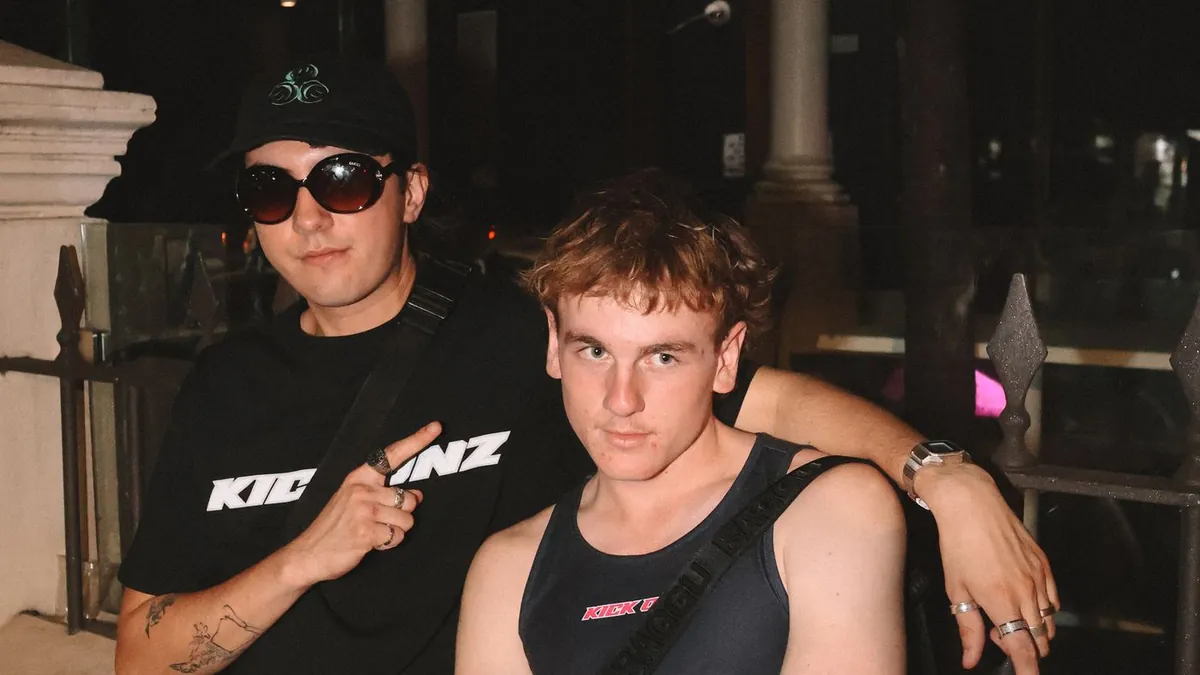
The digicam look is a cleaner, punchier cousin of the disposable-camera look: hard flash, high contrast, cool-leaning colour, fine luminance noise instead of coarse film grain, and slightly crushed blacks. An AI "digital camera" preset applies it in one step.
Digicam vs. disposable
Both use a hard built-in flash, but a 2000s compact digital camera renders sharper, with cooler colour, less obvious grain, and a slightly clinical contrast curve. Our post disposable camera vs. digital camera compares them side by side, and digital camera vs. phone camera flash covers the flash difference specifically.
The preset route
Flash Effect's G7X style is modelled on a premium compact with a built-in flash and a slightly zoomed lens — punchy point-and-shoot contrast with a modern edge. Fish Flash adds the ultra-wide compact-camera party-shot distortion.
The manual route
Boost contrast and clarity, cool the white balance by ~200–400K, add 8–15% luminance noise (not film grain), lift the blacks very slightly, and add a subtle vignette. Keep it sharper than you would for a film look.
Why it's a trend
It's part of the broader Y2K revival — see how to get the Y2K photo look and the Y2K photography trend explained.
Which real cameras have this look?
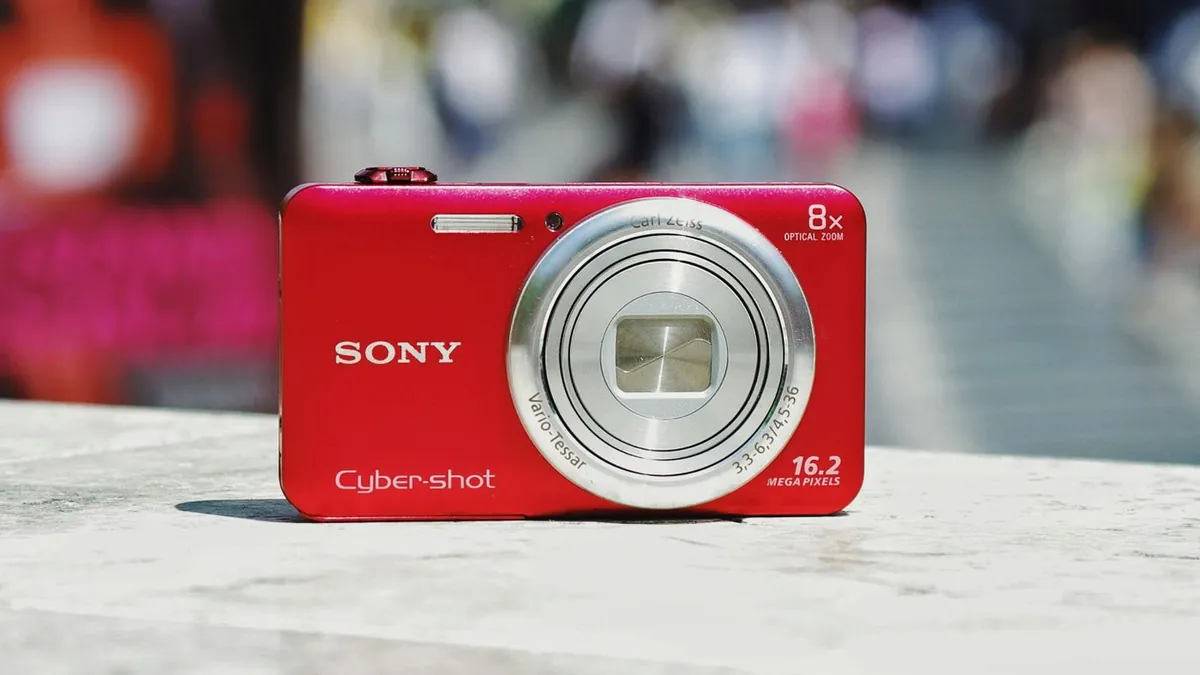
Compact point-and-shoots from roughly 2003–2012 — the Canon PowerShot line, Sony Cyber-shot, and similar. The shared trait is a small sensor and a hard built-in flash.