How to Make a Photo Look Like Film
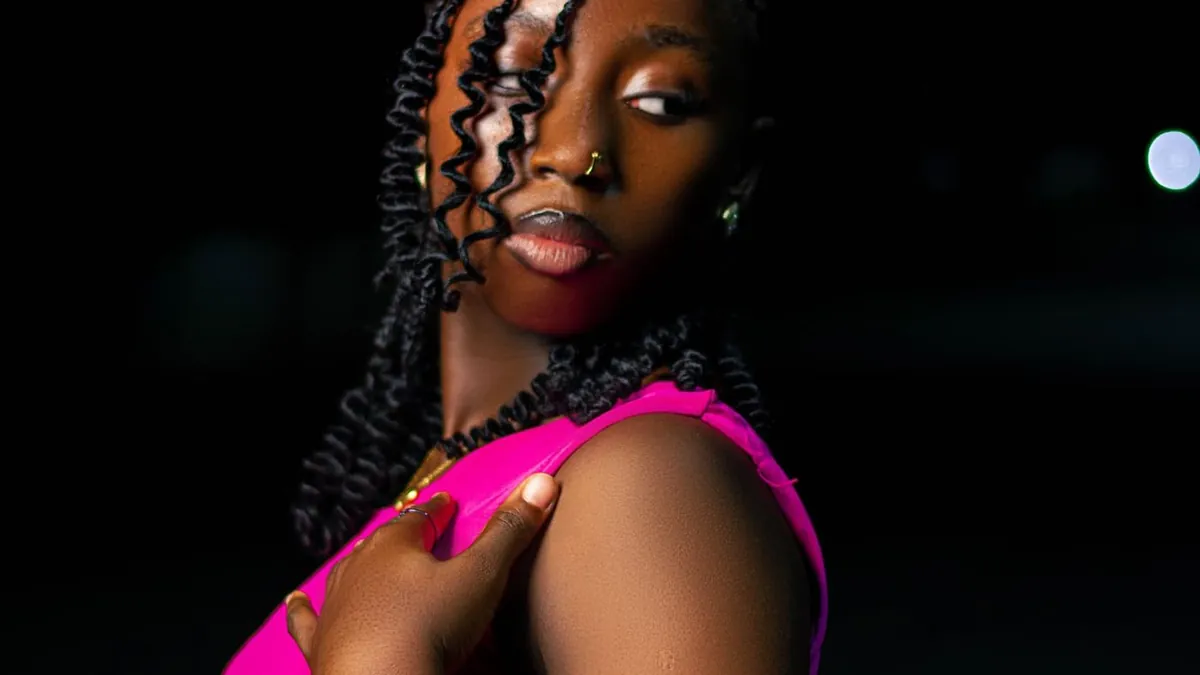
Add organic grain (not digital noise), soften the highlight roll-off so bright areas fade rather than clip, introduce a slight red halation glow around light sources, and shift the colour toward a specific stock — warm and creamy, or cool and muted. AI film presets bundle all of this.
Film look vs. flash look
They overlap but aren't the same. A film look is about grain, colour science, and highlight behaviour; a flash look is about the light direction. Many trending photos combine both — a flash-lit subject with a 35mm colour grade. Background in film grain, explained and 35mm vs. digital.
Presets
Flash Effect's Editorial style gives a 90s film-editorial grade — high contrast, glossy, heavy grain, cool cross-processed colour. Old Film and Sun Vignette lean into the softer analog snapshot feel.
The manual checklist
- Grain: 15–35%, larger and softer than noise
- Highlights: reduce, don't clip — pull the top of the curve down
- Halation: a faint warm glow on bright edges
- Colour: pick one stock's signature and commit to it
- Black point: lift slightly so shadows aren't pure black
Related
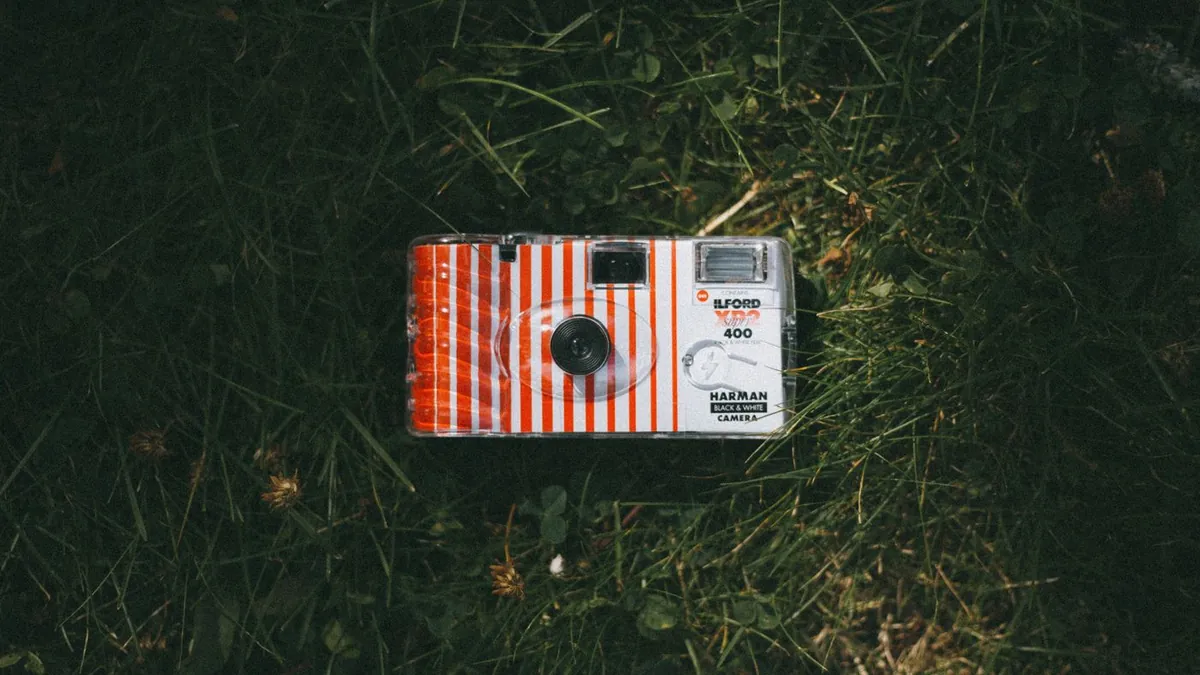
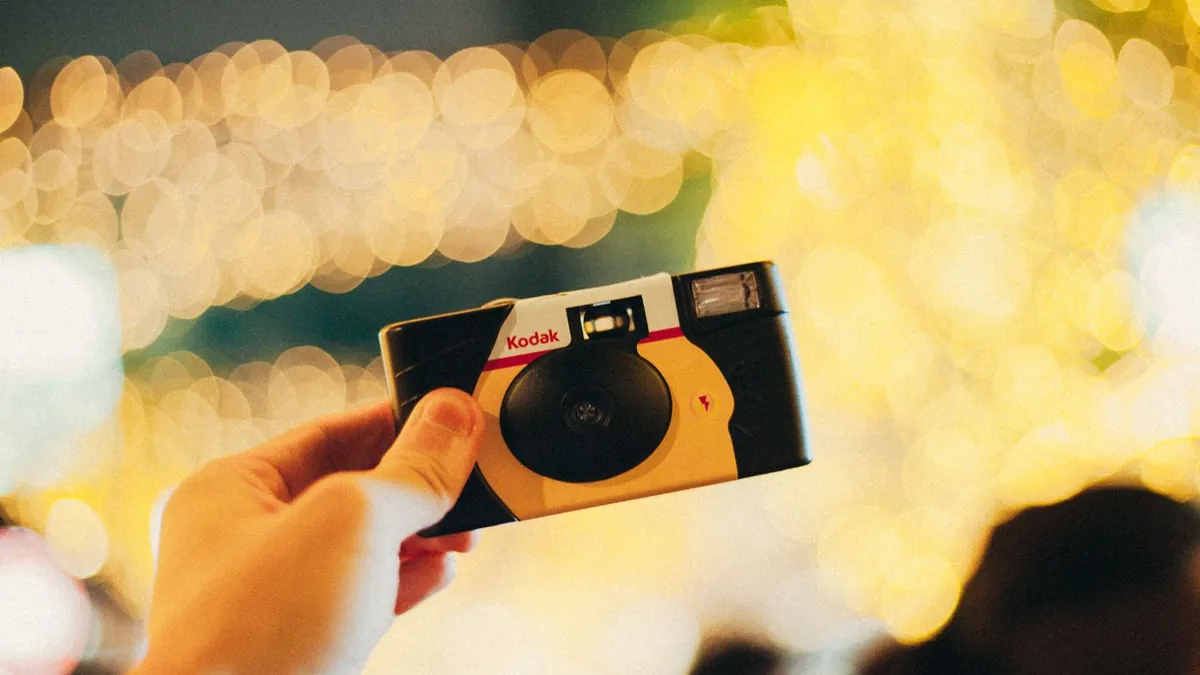
Y2K photo look · how to get a vintage photo look · disposable-camera look.
What's the difference between grain and noise?
Grain is the physical silver structure of film — irregular, clumpy, and it looks organic. Digital noise is uniform speckle from a sensor. Good film emulation uses grain; a bad one just adds noise.