How to Make a Selfie Look Like It Was Taken With Flash
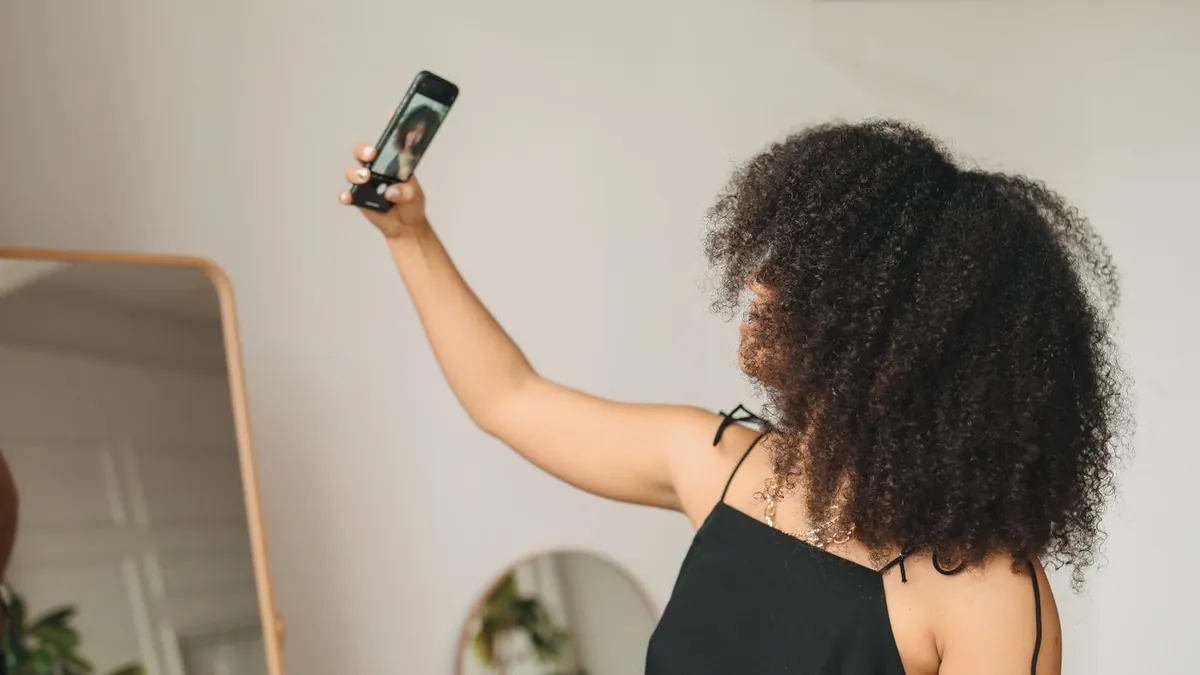
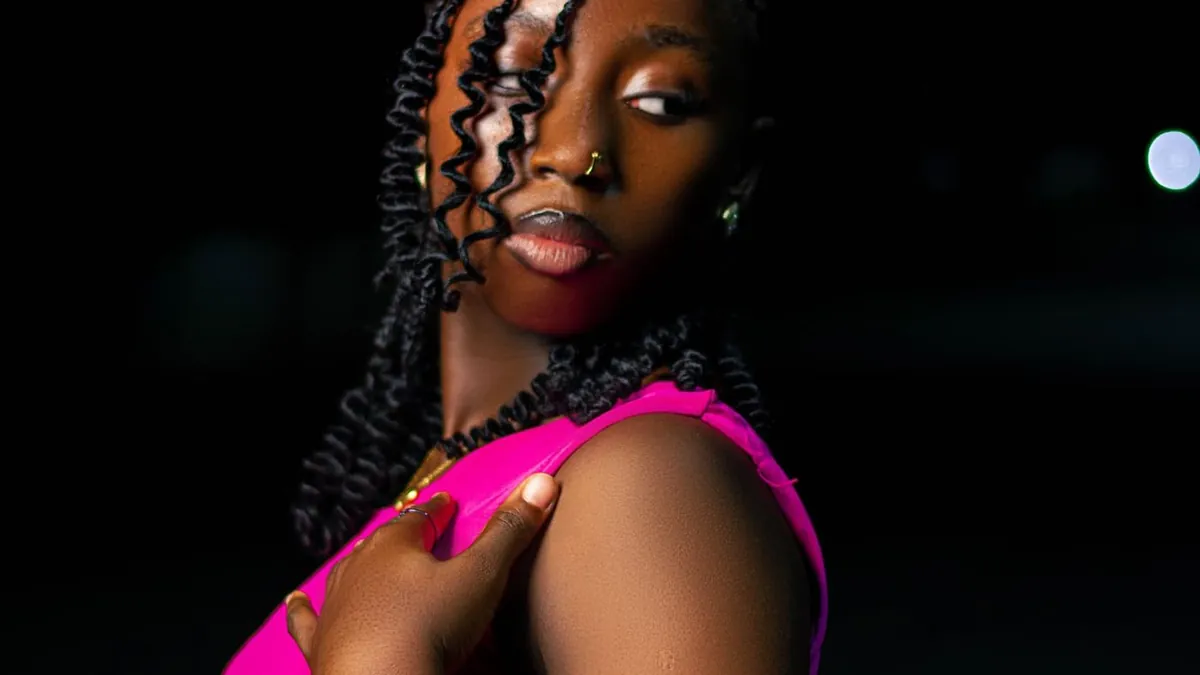
Shoot in a dark room with your phone's front flash on, held at arm's length so your face isn't overexposed. Or upload an existing selfie to an AI tool with a front-flash preset that adds the even face light, catchlights, and background falloff.
Shooting it
Turn on the front (screen) flash, dim the room, and hold the phone slightly above eye level at full arm's length. Too close and your nose and forehead blow out. A quick test: if you can't see detail in your cheekbones, back the phone off.
Restyling an existing selfie
Flash Effect's Fish Night style is built for the ultra-wide phone-flash selfie look — bright close-range frontal flash and the glossy highlight response of a wide phone lens. Flash is the cleaner, less distorted version.
Make it flattering
Front flash is unforgiving. A slightly downward camera angle, a relaxed jaw, and looking just past the lens all help — see how to pose for flash photos and best lighting for selfies at night.
Related
Flash effect on iPhone · why an AI flash photo looks fake.
Does the iPhone have a front flash?
Yes — it's a "Retina Flash" that briefly turns the screen bright white. It's weaker than the rear flash but enough for the selfie-flash look in a dark room.